 EPUBLab
How do I preserve footnotes when converting a PDF to EPUB?
Updated:
To preserve footnotes, the converter has to recognise them as notes and link each one from its call in the text, instead of leaving them as small text in the middle of the book. EPUBLab writes them as EPUB footnotes linked from the superscript that calls them.
Fixed layout vs. reflowable text
How a footnote is recognised
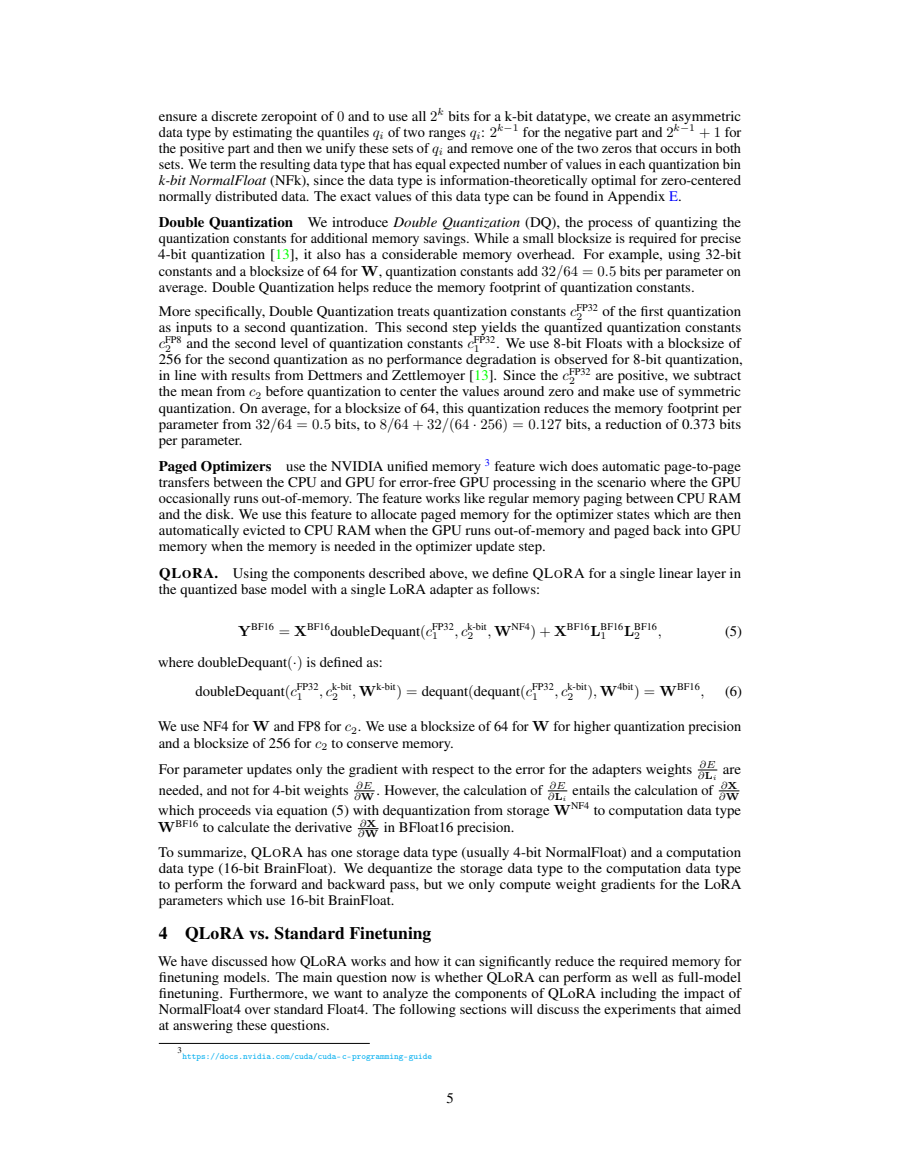
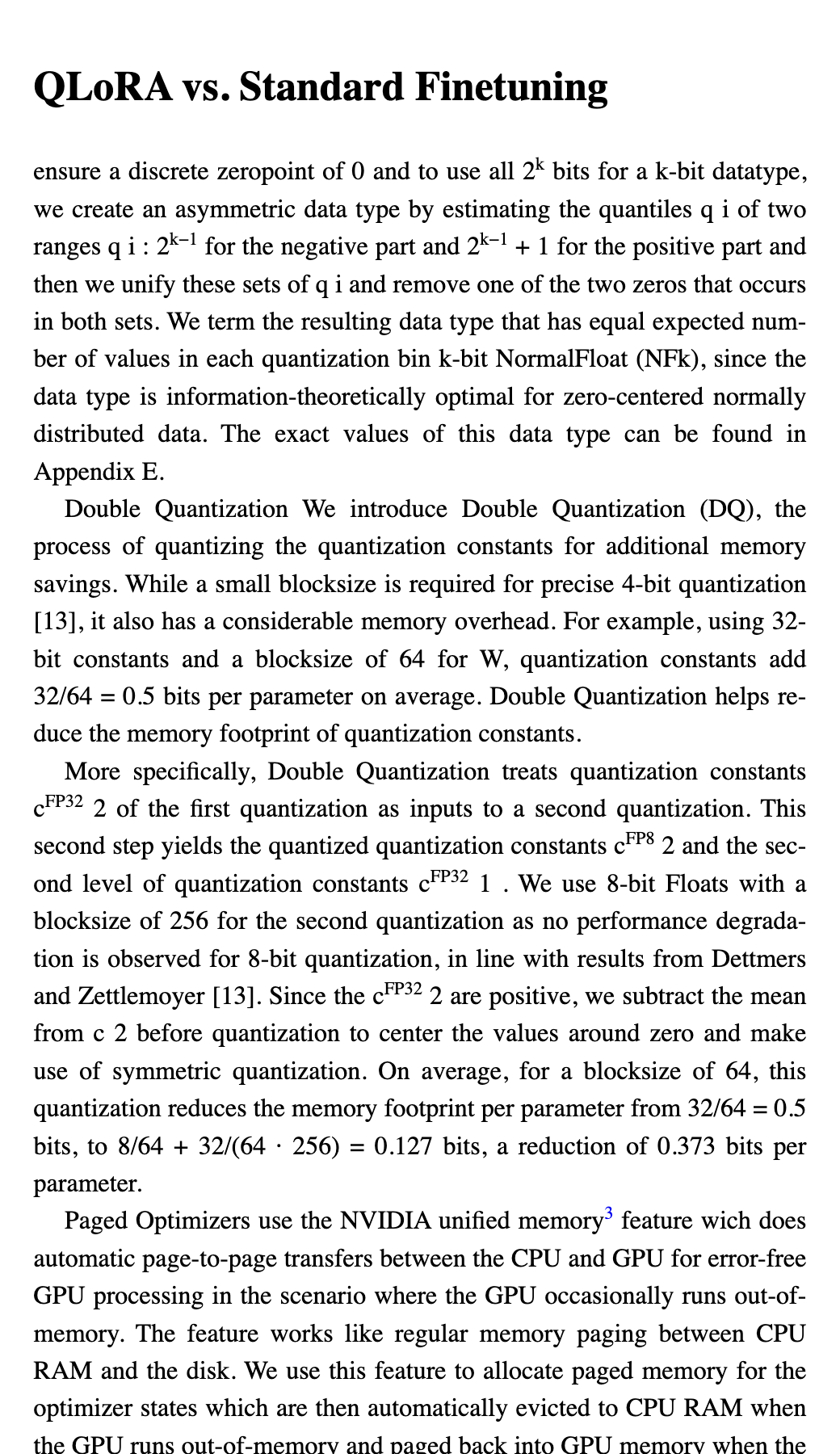
- Smaller type than the body text, in the lower half of the page, below the body text on the same page.
- Starting with a marker (a number or a symbol) that matches a superscript call on that page.
- Pages made only of small type, such as endnotes, are kept as normal paragraphs.
What the EPUB gets
Each note becomes an EPUB 3 footnote at the end of its chapter, and each call becomes a link to it. Readers that support pop-up notes show it without leaving the page.
Limits
Notes that don't follow those patterns stay as text and are reported. The benchmark measures text, not whether every note was linked, so this is checked by hand on the corpus.
Evidence from the benchmark
| Engine | 8-gram recall |
|---|---|
| EPUBLab engine (EPUB output) | 0.767 |
| EPUBLab engine (plain text) | 0.765 |
| pdf_oxide · extract_text | 0.726 |
| pdf_oxide · to_plain_text (XY-cut) | 0.658 |
| pdf_oxide · Markdown | 0.653 |
| PDFium · text().all() | 0.746 |
| OpenDataLoader PDF (local mode) | 0.749 |
| pdftotext (Poppler) | 0.743 |
| Document | EPUBLab engine (EPUB output) | EPUBLab engine (plain text) | pdf_oxide · extract_text | pdf_oxide · to_plain_text (XY-cut) | pdf_oxide · Markdown | PDFium · text().all() | OpenDataLoader PDF (local mode) | pdftotext (Poppler) |
|---|---|---|---|---|---|---|---|---|
| QLoRA paper (arXiv 2305.14314) | 0.786 | 0.782 | 0.817 | 0.852 | 0.868 | 0.908 | 0.917 | 0.770 |
| Federal Register document 2026-22443 | 0.859 | 0.853 | 0.334 | 0.035 | 0.339 | 0.859 | 0.801 | 0.835 |
| Calculus textbook typeset in LaTeX (Project Gutenberg #33283) | 0.487 | 0.487 | 0.479 | 0.496 | 0.481 | 0.494 | 0.533 | 0.511 |
Convert a PDF to EPUB
Convert up to 5 pages free, no account needed.