 EPUBLab
Fix missing chapters and table of contents after converting a PDF
An EPUB without chapters opens as one long section with an empty table of contents, because the converter found nothing that marks where chapters start. EPUBLab takes chapters from the PDF's own outline when it has one, or from the heading level that repeats across pages.
Try five pages from your PDF before converting the full book.
Updated:
Private files. Never used for training. Deleted automatically, or right away when you press Delete now.
See the difference in reading.
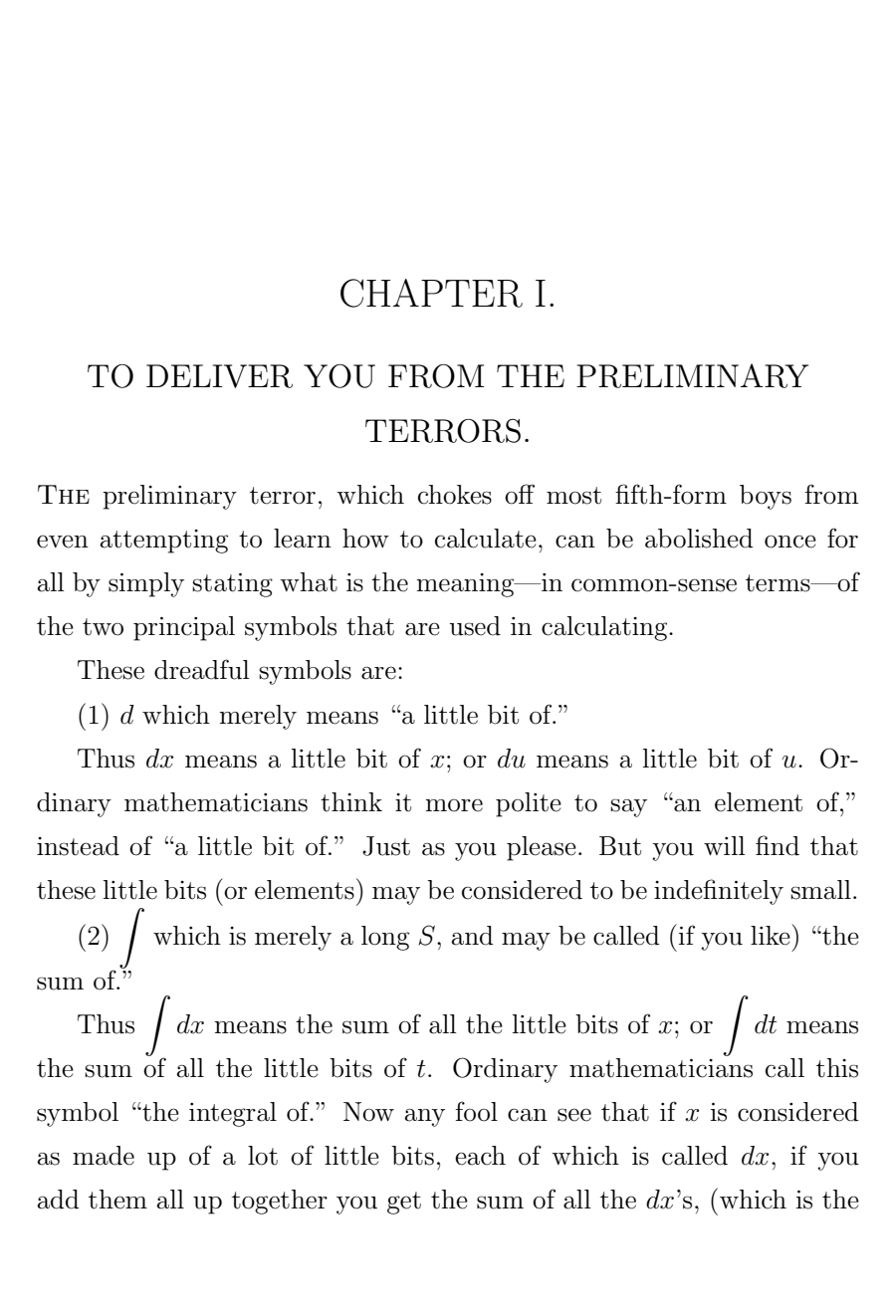
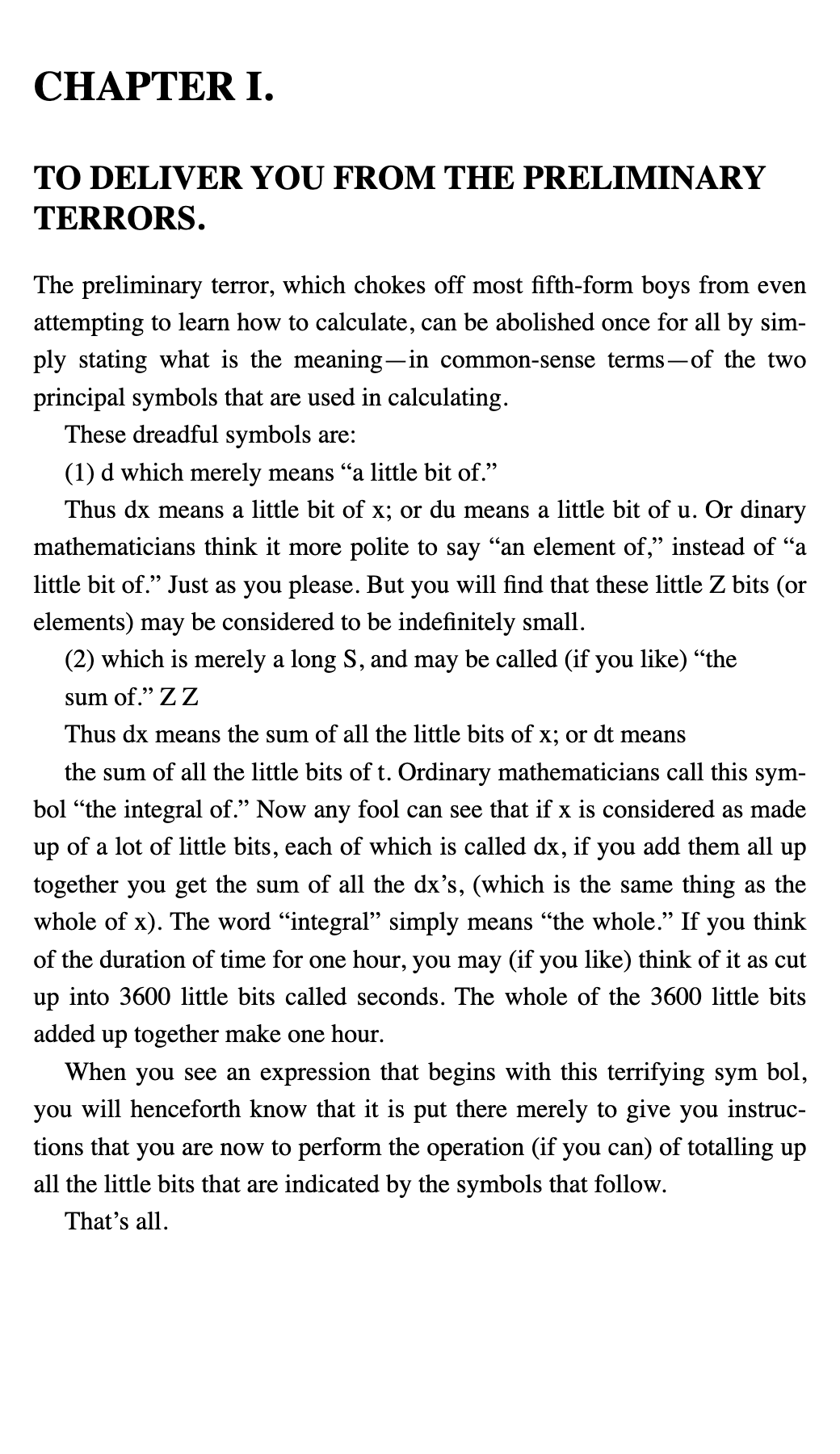
Where chapters come from
- The PDF outline (the bookmarks panel in a PDF viewer), when the PDF has one.
- Otherwise, headings detected by their size and weight that repeat at the same level across the book.
- Each chapter becomes a separate document in the EPUB, listed in the spine and in the table of contents.
Problems we fixed on real books
- An outline whose first level only holds containers (parts) gave a textbook 3 chapters instead of 26; the engine now looks one level deeper.
- Outline titles that were file names left behind by the authoring tool are ignored.
When no chapters are found
If a book of more than 30 pages ends up as a single section, the quality report says so with a warning instead of hiding it. The book is still readable, just without chapter navigation.
PDFs with selectable text only. Scanned PDFs are not supported yet.
FAQ
Is it free?
Every file gets a free sample of up to 5 pages before you pay anything, so you can judge the result on your own book. The Free plan converts up to 100 pages a month; Pro and Business convert more.
Will the EPUB be perfect?
No converter can promise that, and we don't. When the engine detects problems (unreadable glyphs, doubtful reading order) it shows a warning instead of hiding it, and the sample shows you the hard parts before you pay.